Wi-Fi Dead Zones Are Wasting Your Time. Fix Them Without Upgrading Your Plan

Key Facts
- Wi-Fi dead zones are caused by home layout, furniture placement, and interference
- Common solutions like range extenders often fail to fix the root problem
- Mesh systems create seamless coverage across floors and awkward layouts
- You do not need to upgrade your broadband plan to improve signal
- Matchouse tech pros can optimise your home setup in a single visit
🧠 Introduction
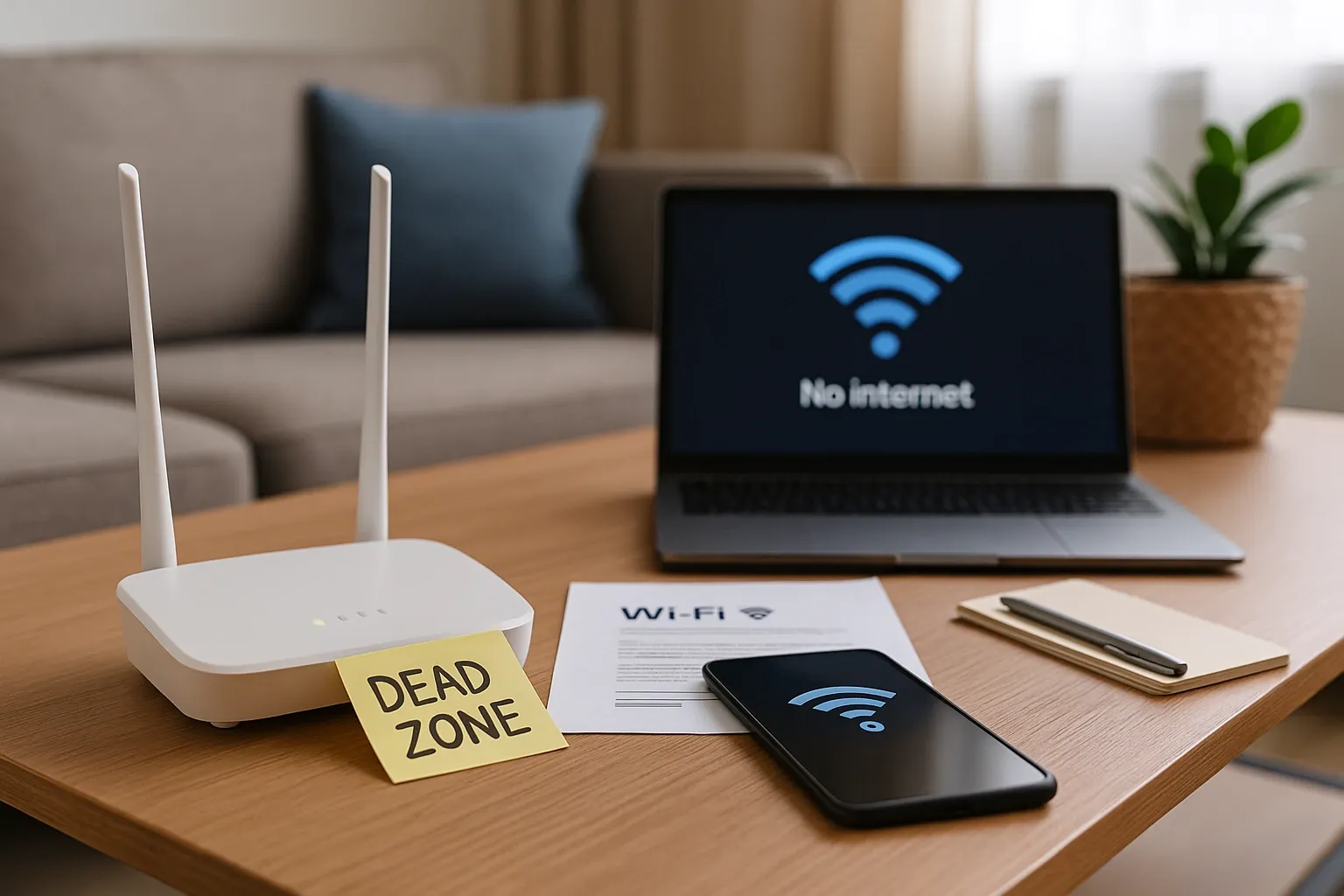
You are paying for fast internet, but it stalls in your bedroom. Your living room streams fine, but your home office drops out during video calls.
Sound familiar?
Wi-Fi dead zones are not always your provider’s fault. In most cases, the problem lies with your layout, router location, or hardware. The good news is you can fix it without upgrading your plan — and without tech headaches.
1. What Causes Wi-Fi Dead Zones?
The signal from your router travels like light. It gets blocked, weakened, or reflected by common things in your home.
| Cause | Effect |
|---|---|
| Thick walls or concrete floors | Blocks signal entirely in some rooms |
| Router in a corner or behind furniture | Cuts range and direction coverage |
| Too many devices on one band | Slows speed and drops connections |
| Large multi-storey layouts | Weakens signal across levels |
| Older routers | Cannot support modern devices or demand |
Tip: Your signal strength can drop by over 50 percent just by placing your router in the wrong spot.
2. Simple Fixes That Don’t Require a New Plan
Here are ways to boost your signal using smarter placement and better tools, not more speed.
- Move your router to a central, raised position away from walls
- Avoid placing it near microwaves, fridges, or thick furniture
- Use a mesh Wi-Fi system instead of a single router or extender
- Split your network between 2.4GHz and 5GHz bands for efficiency
- Limit or schedule devices that use high bandwidth like streaming or gaming
Note: Mesh systems create mini routers throughout your home. They work together to eliminate weak zones and keep you connected everywhere.
Stop Fighting With Your Wi-Fi
Matchouse tech professionals can test, reposition, and optimise your home network in one visit — no need to change your provider or increase your plan.
Book a Wi-Fi Pro
✅ Related Article:
Final Thoughts: Better Signal Without Bigger Bills
Wi-Fi dead zones are not just frustrating. They cost you time and productivity. The good news is you don’t need to spend more every month. You just need to set things up smarter.
With the right placement, the right hardware, and the right support, you can enjoy full-speed internet in every room. Matchouse makes that easy.